


















iPod

Apple iPod Nanos

Introduction

The following software and hardware list will help enhance your iPod experience (written mostly for the iPod nano but most is applicable to other iPod types as well):

Software

  • YamiPod - An alternative to using iTunes. Allows more customization and control over what you put on your iPod.
  • Videora - Allows one to convert most video formats into a format that is compatible for viewing on your iPod.
  • iPod Video Converter - An alternative to Videora.
  • iPod Wizard - Allows one to tweak the iPod by downgrading firmware, changing fonts, uncaping the volume limit, etc.
  • iPod Diagnostics - Tips and tricks for debugging your iPod.
  • iPodulator - Enables one to put any RSS feed or web page on the iPod in text only form.
  • ManyBooks - Free books that you can download and read on your iPod.

  • WordPod - Converts any e-book into a format that can be read by an iPod.
  • Pod CityGuides - Free city guides for your iPod for when you are traveling.

Hardware (Accessories)

  • Apple iPod Universal Dock - The one dock to rule them all. Supports all iPod types. Plus it has a line-out and S-Video connection. You can also control your iPod remotely using this dock should you choose to buy and use the Apple Remote.
  • Apple iPod Dock Connector to USB 2.0 - You get one of these when you buy your iPod but it is nice to have a second for when you travel.
  • Apple iPod USB Power Adapter - Must be used with the Apple iPod Dock Connector to USB 2.0 cable. This is the alternative to charging your iPod on the road when you don’t have a computer with a USB port.
  • Belkin Sports Sleeve - Handy for when you work out or simply when you want to keep your hands and pockets free. It is soft and will not scratch your iPod.
  • Griffen SmartShare - Allows two people to share music and video from one iPod. Includes separate volume control for each individual.
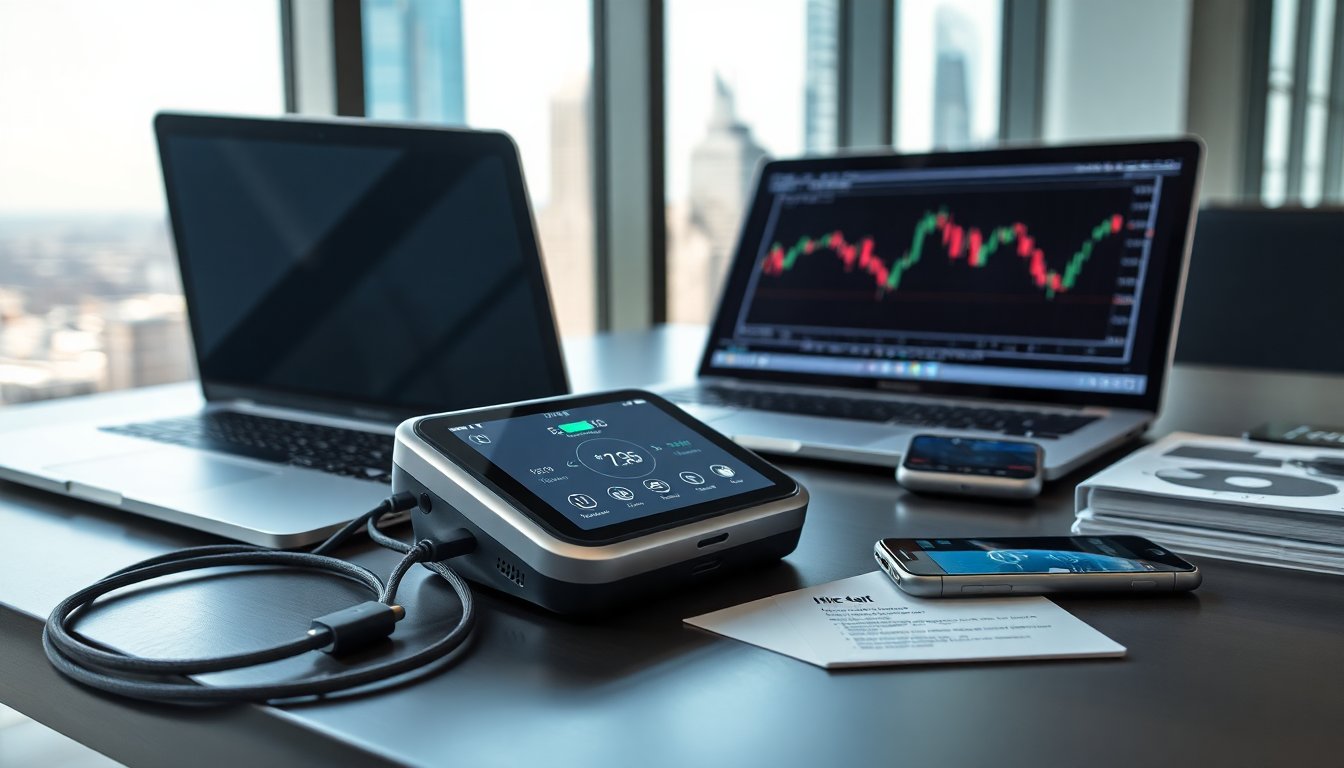
  • Kensington Digital FM Transmitter/Auto Charger - Turns your iPod into a mini radio station while also powering your iPod at the same time. Great for long road trips in the car. Works great in most areas with some static in major cities. Lower frequencies, like 88.1, seem to work more often than other frequencies. If possible, find three channels with static and use the middle one to tune into for best quality.
  • iHome - Speakers powered by an iPod either for home or mobile use.

NOTE: I have listed the Apple iPod Dock Connector to USB 2.0 cable and Apple iPod USB Power Adapter because it is nice to have these always packed for when you travel. When at home, you can use the Apple iPod Dock Connector to USB 2.0 cable (supplied with your iPod at purchase) to connect your computer with the Apple iPod Universal Dock.

Stores

  • XtremeMac - A cool place to shop for iPhone and iPod accessories.
  • By My Broke iPod - A great place to sell a broken iPod or an iPod that is in great shape but old and used.

How-To Guides