


















iPhone

Apple iPhone Photo
© Apple

Introduction

The following will help enhance your iPhone experience.

Tips & Tricks

Native Applications

A few picks worth checking out:

  • OmniFocus - Costs $20. Gain all the power of OmniFocus on your iPhone. Even better if you use the desktop app as you can synchronize between your desktop and phone.
  • WordPress - Free. Allows one to blog from your phone with the ability to tap into all your data such as posts, categories, tags, etc.
  • AOL Radio - Free. Listen to the radio.
  • Google Mobile App - Free. Easily search your contact list and the web. Enables location based information searching as well.
  • Here I Am - Free. Uses the current location data from your phone to e-mail someone in your contact list of where you are (the e-mail contains a Google Map link of your location). There are a couple apps of the same name so make sure to pick the one made by Matthew Mackey of Arboretum Software.
  • Shazam - Free. Launch this app to listen to a song playing at your friend’s place, a club, etc. It will attempt to detect who the artist and album of the song for you.
  • DataCase - $6.99. Turns your iPhone into a data store for personal documents and files that you might need on the go.
  • Simplify Media - Free. Share your iTunes playlist or connect to your friends playlist through your iPhone.
  • Grocery IQ - A handy app for grocery shopping. Looks like it is only supported on the iPhone with now desktop synchronization. Web support is coming though.


You can read more about native applications here.

Web Applications

The following is a list of interesting web applications that can enhance your iPhone experience (assuming you have a decent WiFi or EDGE network connection):

  • iPhone Apps Manager - Can be used to capture and manage your favorite applications.
  • Skype for iPhone - Allows you to use Skype on your iPhone for text and chat. You can make voice calls but it will eat up your SkypeOut credit. Check out my Skype page for more details on Skype.
  • Newsgator Mobile - Allows you to access your FeedDemon feeds on your iPhone. The best part is that all your feeds are synchronized across all accounts no matter whether you are on the iPhone, at home, work, etc. Check out my Feed Demon page for more details.

Accessories

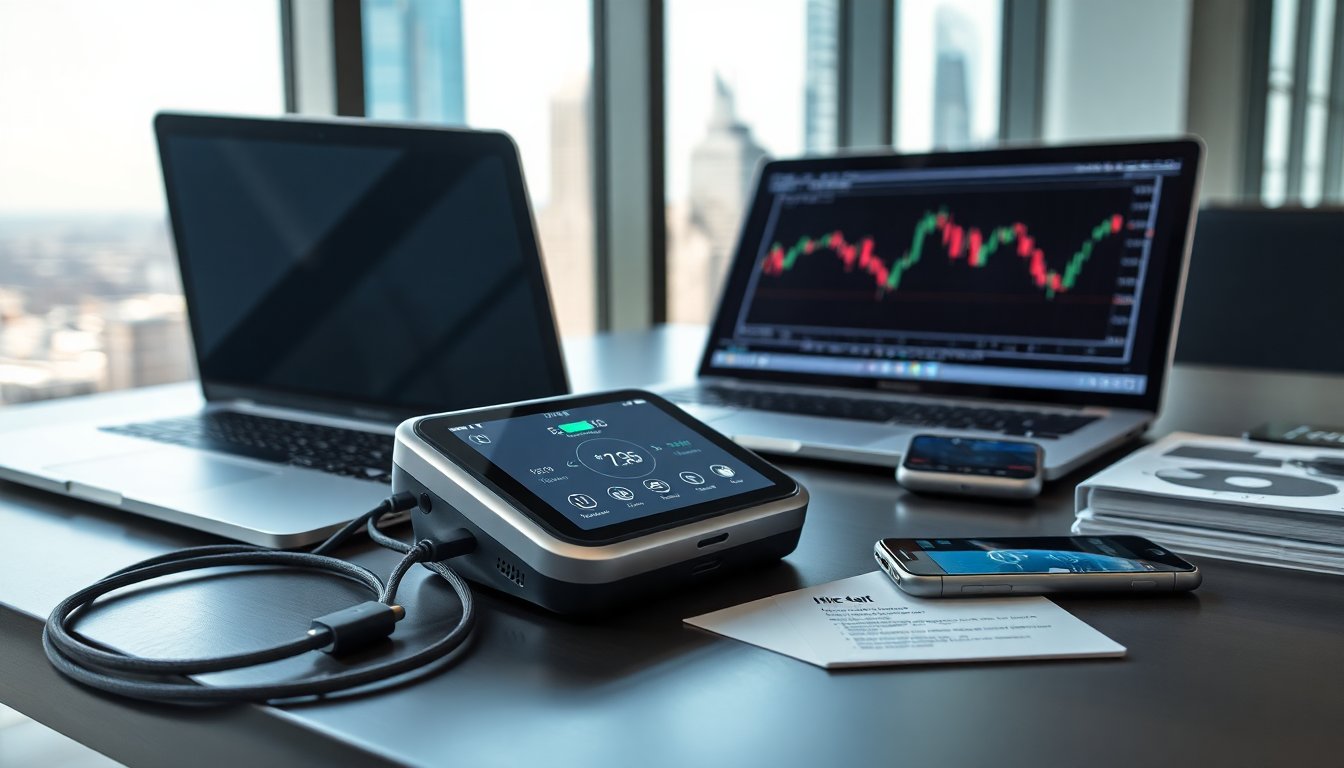
  • RichardSolo 1800 - A backup power source for charging your iPhone up while on the go. Includes a flashlight and laser pointing capabilities as well.
  • Sennheiser MM 50-IP - A pair of hi-fi ear-buds for the iPhone that also incorporate a mic and button for answering/ending calls and controlling music.
  • Shure SE110 - Earphones that do better at sound reproduction than the default earphones.

Stores

  • XtremeMac - A cool place to shop for iPhone and iPod accessories.

Development